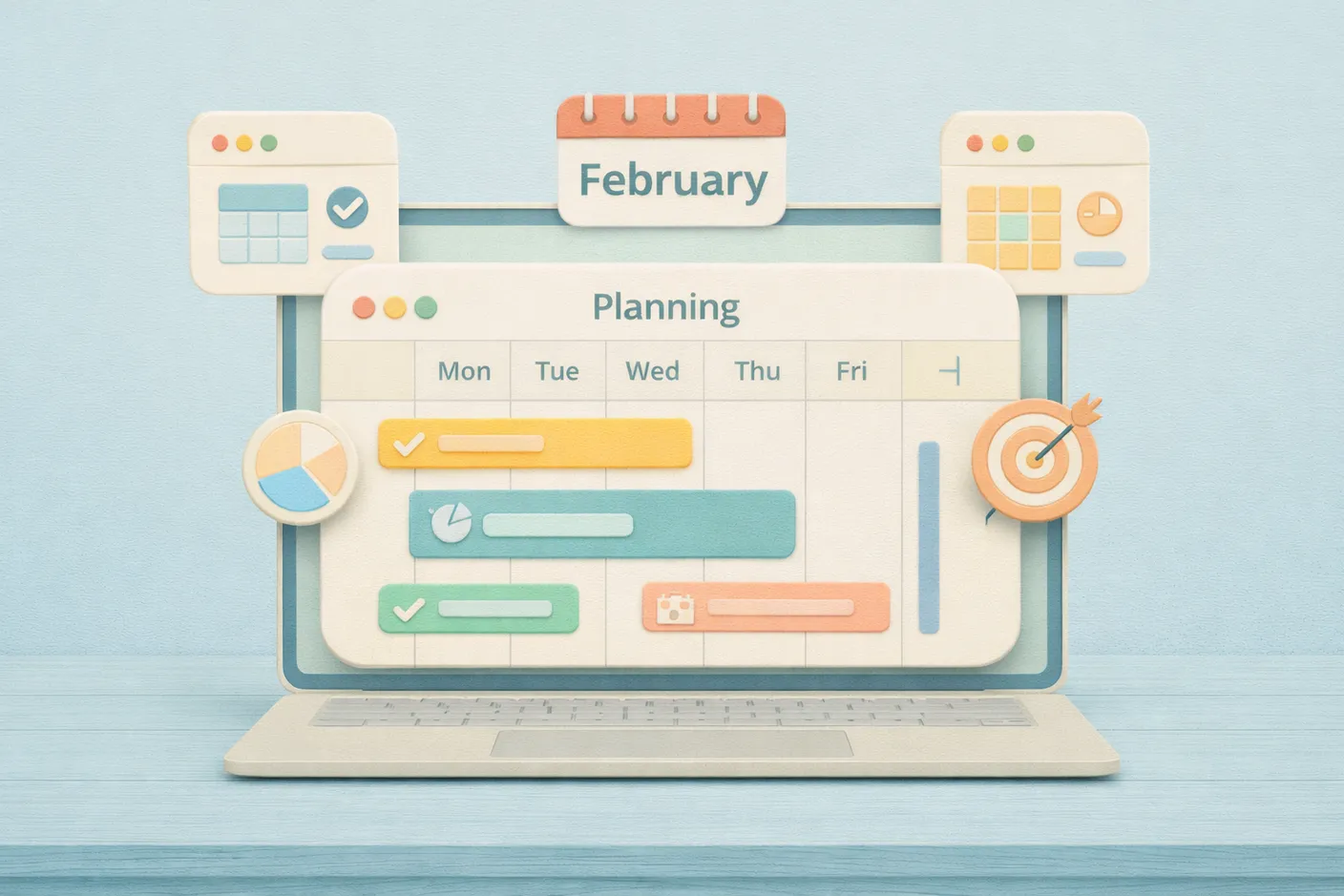
In February, we shipped a brand new Planning screen. It gives you a unified view of all materials and products, helps you spot upcoming shortages, and lets you create purchases, production runs, and transfers right from the planning table.
Planning Screen
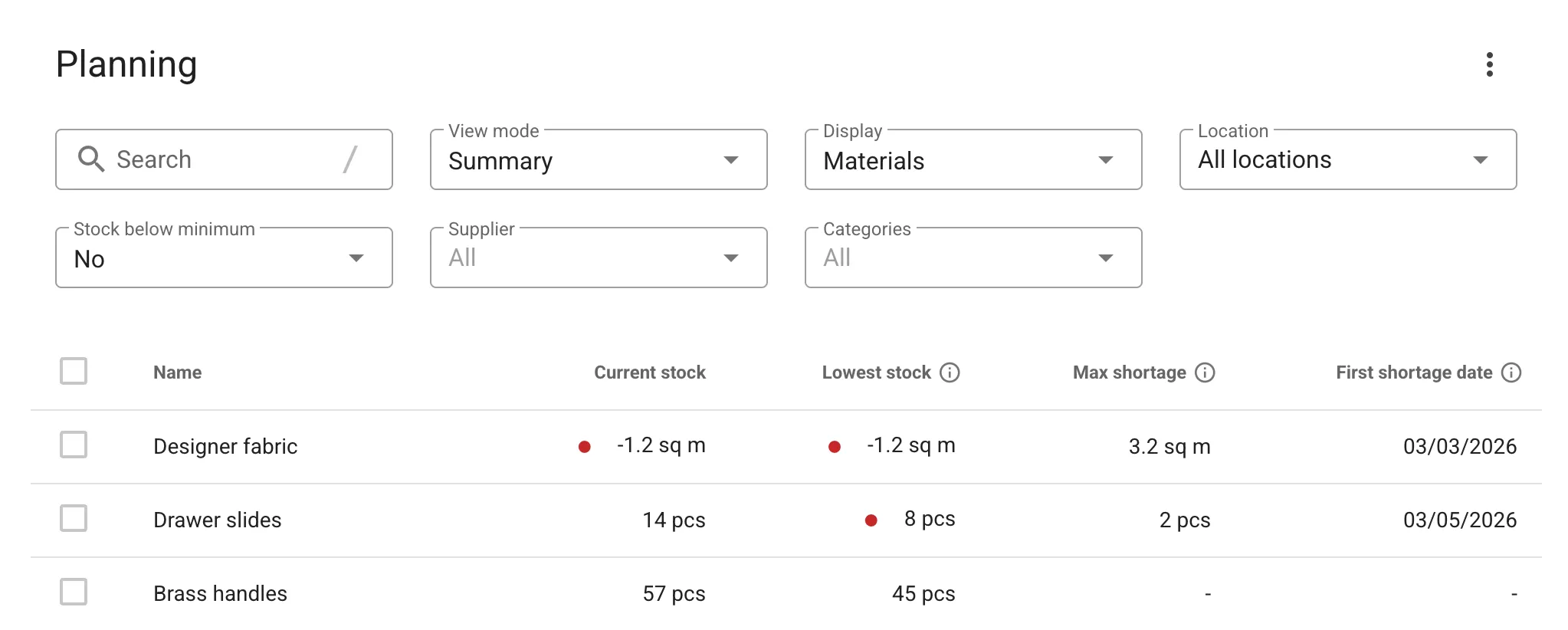
The Planning screen offers two view modes. Summary provides a compact table with key metrics for each item — maximum shortage, first shortage date, lowest stock level, and more. Items with the nearest shortage are shown first, so you immediately know where to focus.
Timeline shows forecasted stock levels broken down by day, week, or month, giving you a clear picture of how inventory will change over time so you can plan purchases and production ahead.
Create Operations From Planning
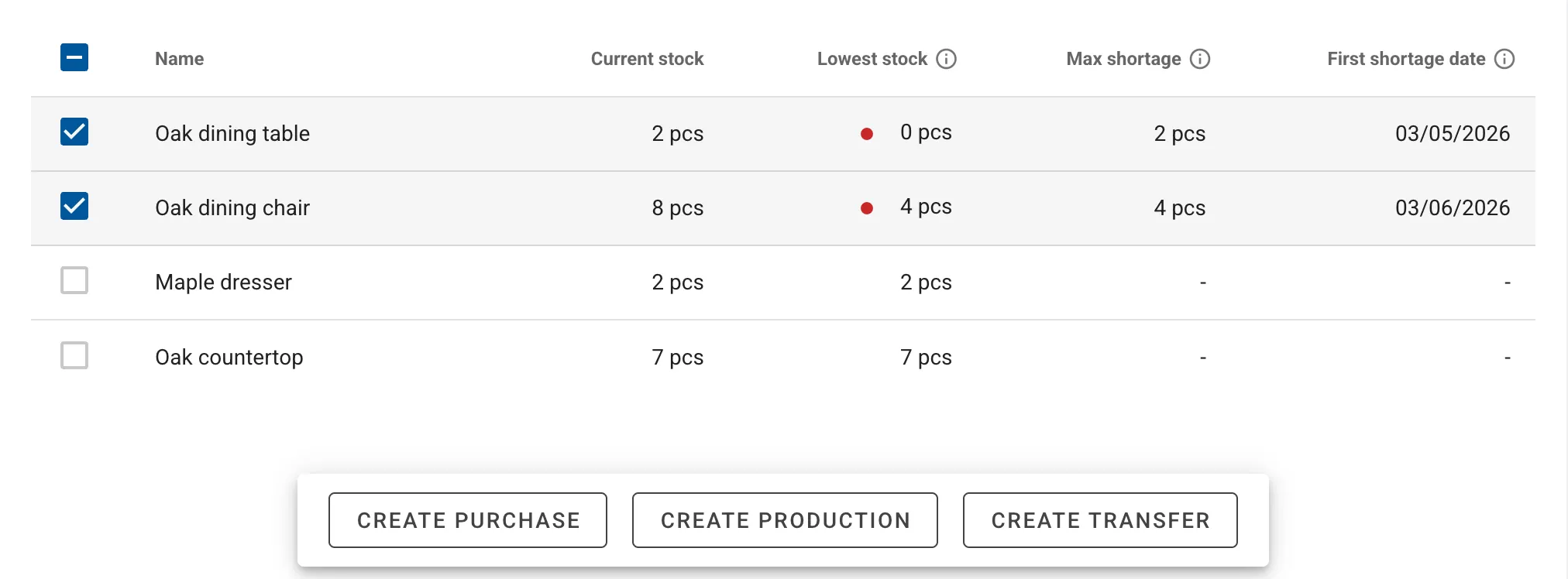
The real power of the Planning screen is the ability to act on what you see. Select items that are running short and create a purchase, production run, or transfer directly from the table. The system auto-fills the new operation based on your planning data, so all you need to do is review and confirm.
Learn more about the Planning screen in our knowledge base.
Missing Something?
We’re all ears! If there’s a feature you need, submit your idea in our ideas portal. Ideas with strong community support have the best chance of making it onto our roadmap and into future releases.